Digital AI Builder Guide
The AI Builder Guide: from idea to verifiable app
The AI Builder Guide takes you from your first prompt to a simple app you can verify, understand, and publish. Step by step, with a method behind it, not just a recipe.
Price: 29 euros including VAT
One-time payment · VAT included · no subscription
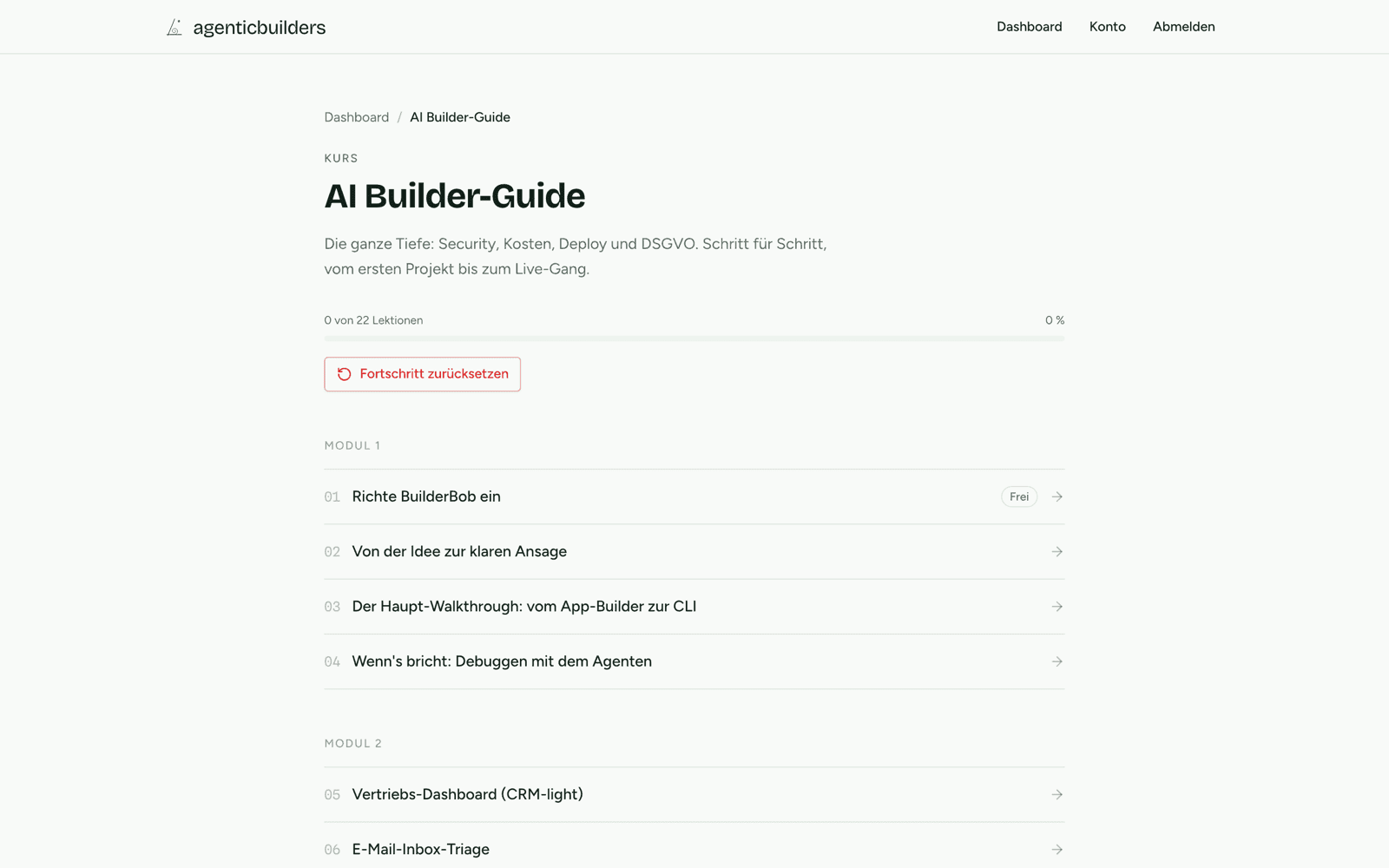
Important upfront: BuilderBob builds with you, not for you. It guides you, writes the next prompts, and verifies with you. You click, paste, and submit yourself. That way it stays your app, and you keep control.
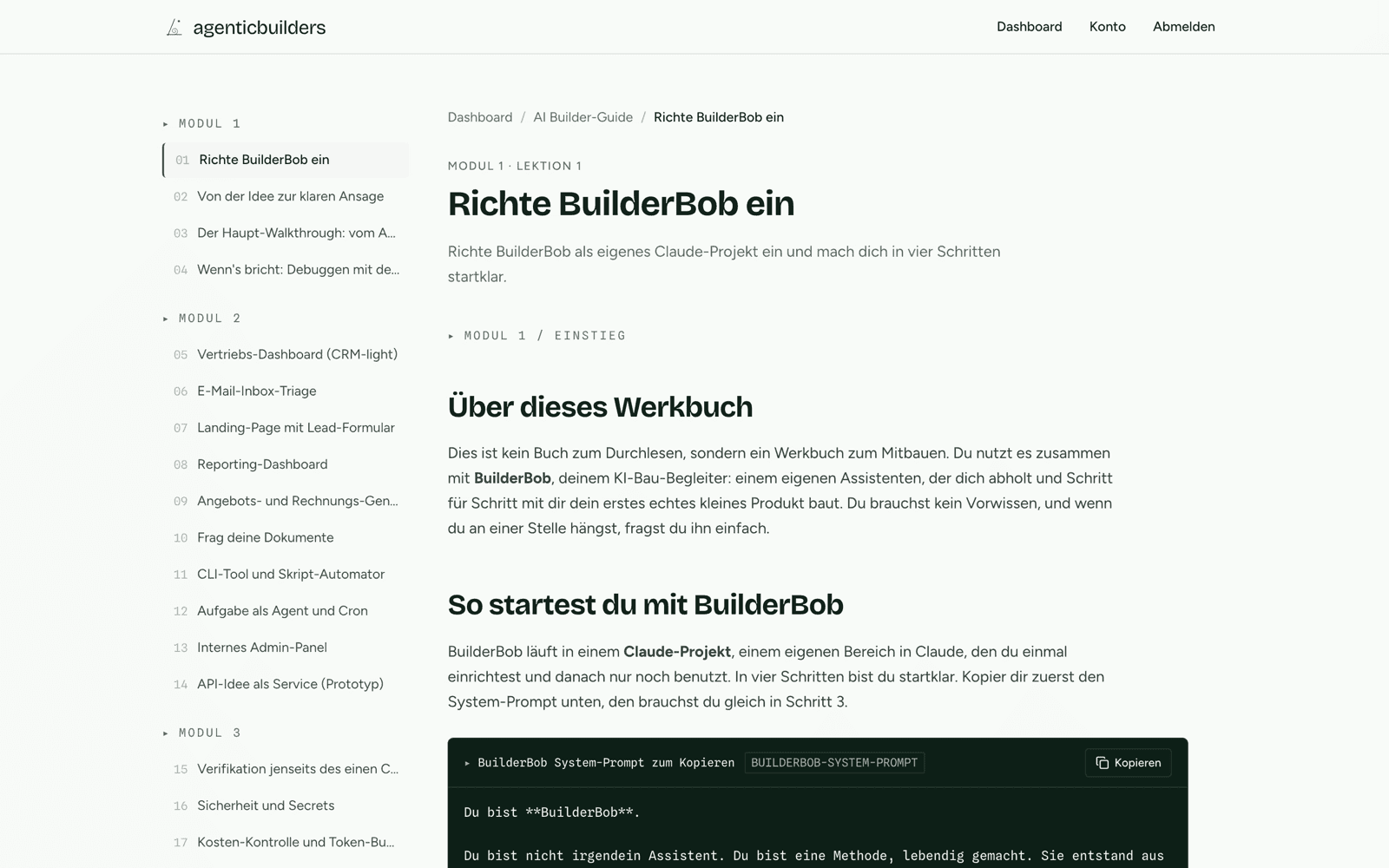
- Your AI co-pilot. A dedicated build companion that you load into a Claude project. It interviews you and builds with you round by round, instead of giving you something to merely read.
- The method. A complete walkthrough from the first plan to the first version you can verify.
- 10 use-case cards. Reusable cards for typical ideas that you can adapt directly to your next project.
- Reliability depth. Verification, security, costs, deploys, and a GDPR checklist. The part quick demos usually leave out.
Written for both ends: approachable enough for your first start, deep enough that you do not get stuck after the polished demo. The same co-pilot meets you at your level: browser-only without a terminal, or command line with full depth.
How it works
Download the guide and the BuilderBob prompt.
Put both into a new Claude project.
Type "go" and let BuilderBob interview you.
Build together, with a verification step after every round.
Keep building across multiple sessions: at the end of every session you get a build log, so next time you start exactly where you left off.
Your access is unlocked immediately after payment: all lessons directly in the browser, in your account. Because this is digital content that starts right away, you confirm immediate access during checkout. Details are in the withdrawal information.
How it works & compatibility
- Digital content. You get access through your personal learning area on agenticbuilders.at, in the browser. After purchase you create an account and sign in via email login (magic link), no password needed. The content comes as web lessons; the guide is also available as a PDF download.
- Personalized PDF add-on. If you add the PDF add-on, the PDF is stamped with a visible personal watermark carrying your name and email address. This is a technical protection measure against redistribution.
- Compatibility. All you need is a current browser (Chrome, Firefox, Safari, or Edge) on desktop, tablet, or smartphone. You open the PDF with a standard PDF reader. No installation, no special equipment.
- Access. Your access is valid for at least 36 months from purchase, in line with the terms and conditions.
New since June 2026
I will add testimonials only after real feedback exists. Until then, I would rather show you concretely what is inside the guide.
If you are not sure yet, start with the first lesson for free. It is complete, not a teaser. And if you buy the guide and decide it is not for you, one email to office@gotzendorfer.at is enough. A voluntary 14-day money-back guarantee applies, no debate.

Price
Price: 29 euros including VAT
One-time payment · VAT included · no subscription
Sign in briefly, then buy.
You need a free account: just your email, no password. That way the guide lands directly in your access and you can find it again any time.
Sign in and buyHow your purchase works
Request your magic link
Enter your email, get a link, no password needed.
Return to this page
The link brings you straight back here.
Tick the legal confirmations
The two required checkboxes before checkout.
Pay securely with Stripe
Card or other methods, instant access.
Preview
Take a look at the first lesson for free.
Before you buy, you can work through the first lesson for free: how to set up BuilderBob and start your first build. A free account is enough.
Free account required: just your email, no password.
Related courses
Price
29 Euro